| Sv translation | |||||||||||||||
|---|---|---|---|---|---|---|---|---|---|---|---|---|---|---|---|
| |||||||||||||||
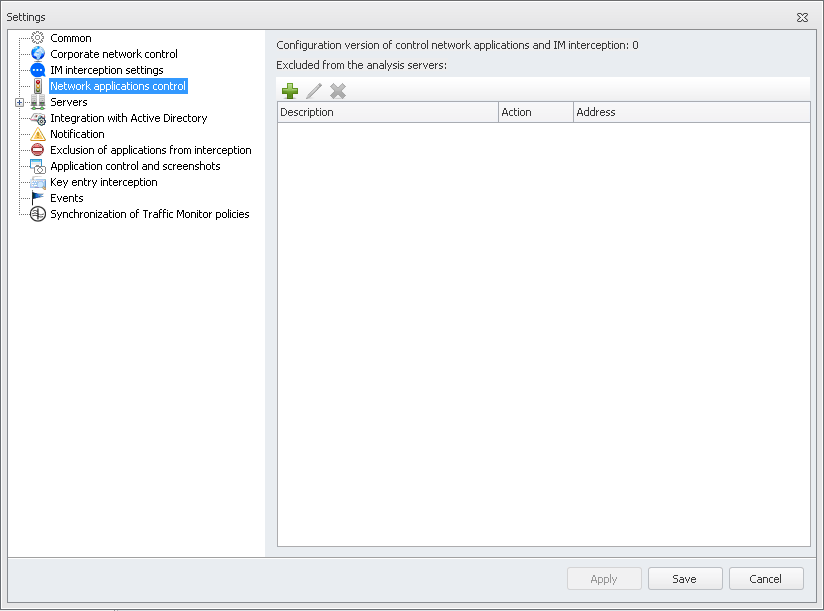
Для контроля сетевого трафика на Агенте Device Monitor реализован прозрачный прокси-сервер. На этот сервер перенаправляются все соединения, вне зависимости от используемого протокола. Далее Агент Device Monitor разбирает протокол и определяет, относится ли данный протокол к перехватываемым. Перехватываются протоколы: FTP, FTPS, POP3, SMTP, S/MIME, Outlook, HTTP, HTTPS, XMPP и MMP. Если поток данных защищен с использованием протокола TLS\SSL, то прокси-сервер раскрывает трафик и определяет, нужно ли контролировать данный поток. При контроле трафика вы можете задать дополнительные параметры работы почтовыми системами (см. "Правило (DM) для Mail Monitor") и FTP/FTPS-трафиком (см. "Правило (DM) для FTP Monitor"), а также определить серверы-исключения, трафик на которые не должен контролироваться. Чтобы настроить параметры контроля сетевого трафика:
|


| Sv translation | ||||||||||
|---|---|---|---|---|---|---|---|---|---|---|
| ||||||||||
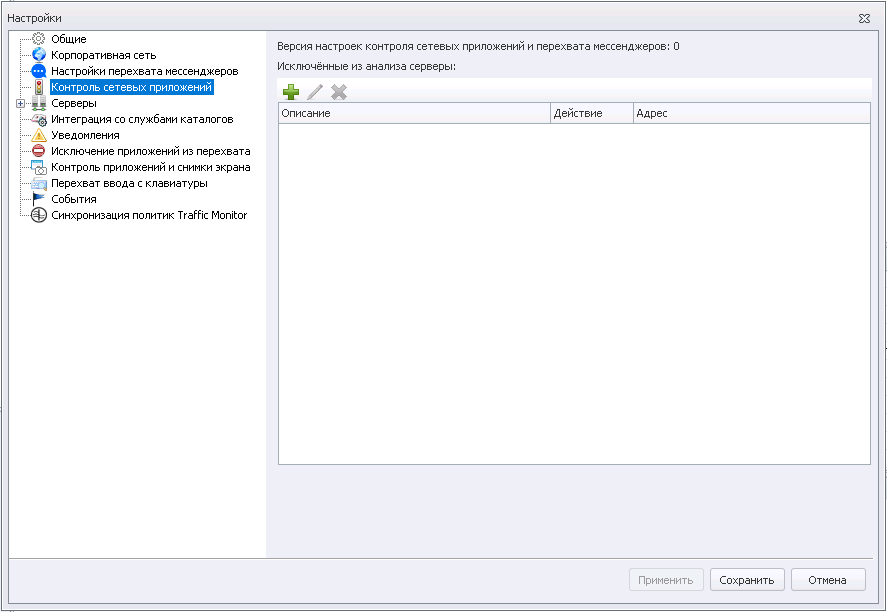
In order to provide control of network traffic, Device Monitor Agent acts as a transparent proxy server, to which all the connections are redirected irrespective of the protocol. Then Device Monitor Agent parses the protocol and defines if this protocol is a subject of interception. Controlled protocols are FTP, FTPS, POP3, SMTP, S/MIME, Outlook, HTTP, HTTPS, XMPP, and MMP. If a data stream is protected with TLS\SSL protocol, then the proxy server decrypts the traffic and defines if this stream should be controlled. When configuring the traffic control, you can specify additional parameters for mail systems (see "Правило (DM) для Mail Monitor"), and FTP/FTPS taffic (see "Правило (DM) для FTP Monitor"). Besides, you can define servers excluded from interception: traffic sent to these servers should not be controlled. To configure network traffic control settings:
|